



Redaction that still looks credible
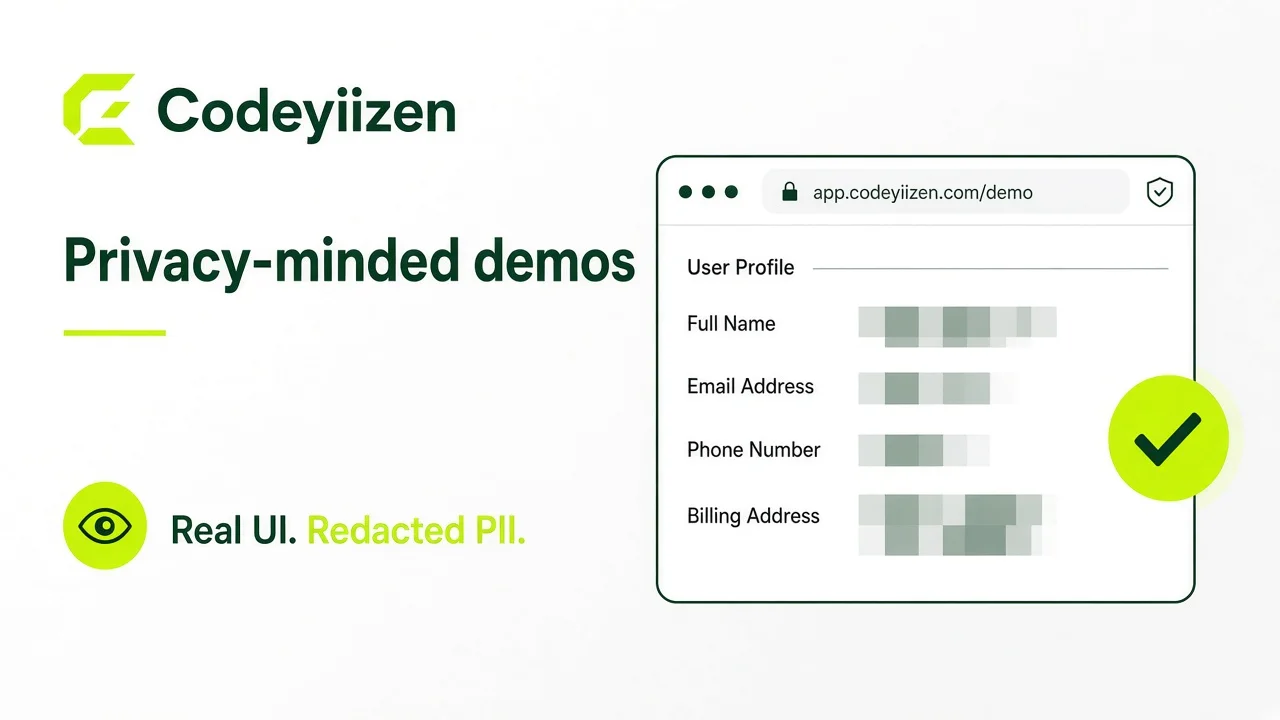
Prospects should see real product chrome. They should never reverse-engineer a customer from your PNG.
| Method | Use when | Risk |
|---|---|---|
| Staging / synthetic data | You control the environment | Looks fake if labels are silly |
| Mosaic / heavy pixelate | Names, emails, phones, chat | Light blur can be undone |
| Tight crop | Feature is local on the screen | Context loss if over-cropped |
| Solid blocks | Dense PII regions | Can look like a template |
Prefer mosaic redaction over blur
Heavy pixelation on names, emails, phones, and chat bodies survives compression better than light CSS blur.
- Redact before export—don’t rely on overlay CSS in a screen recording.
- Check thumbnails and social crops; they often enlarge sensitive corners.
- Never leave partial emails or IDs that still identify someone.
Capture with intent
Use staging data when possible. If you must use production-like views, crop tightly to the feature and redact before publishing.
- List the story the screenshot must tell in one sentence.
- Capture in staging or a scrubbed environment first.
- Crop to the feature; remove side panels with unrelated PII.
- Redact, then export final assets at publish sizes.
Treat galleries as release artifacts
Review screenshots the same way you review copy—another pair of eyes before portfolio or case-study publish.