




C O D E Y I I Z E N

Hello There!

Lorem ipsum dolor sit amet, consectetur adipiscing elit,

Follow Us

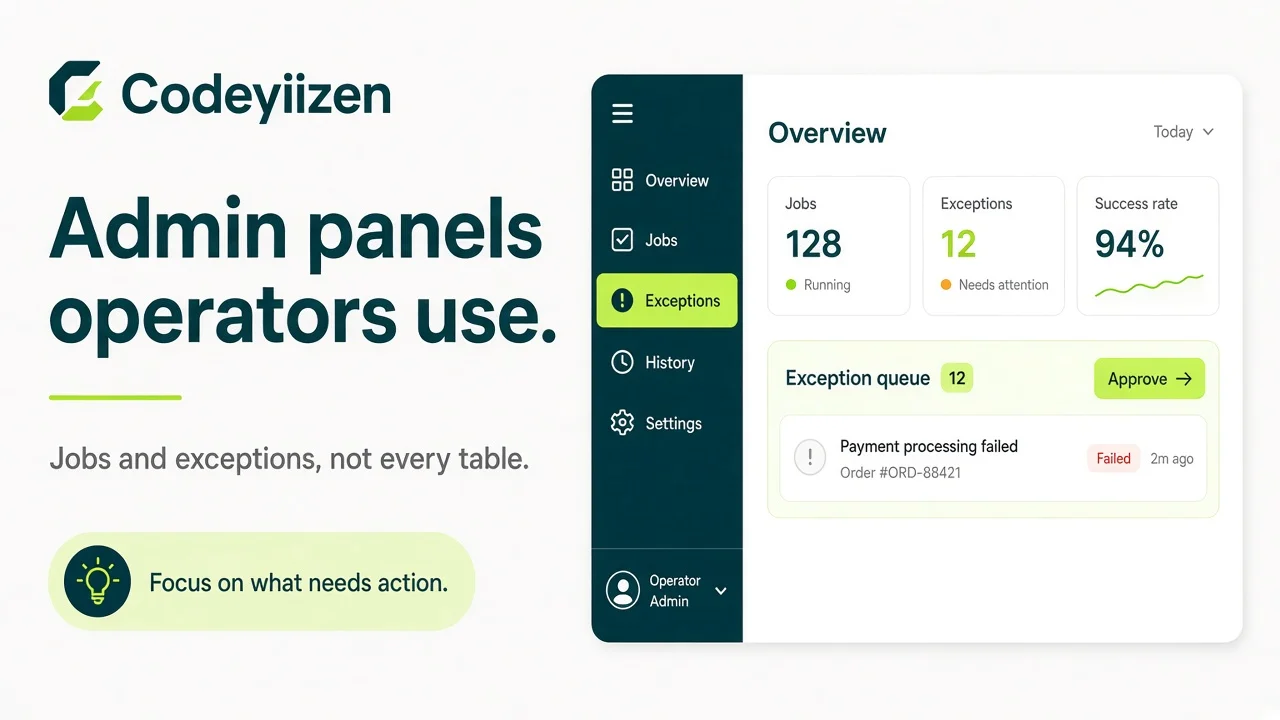
Visual for SaaS admin product design
Product

SaaS admin panels operators actually use

Admin UIs succeed when they encode how teams work on busy days—not when they expose every table.

Key takeaways

  • Jobs beat entities—group screens around what ops does daily.
  • Exceptions need queues, filters, and who-changed-what logs.
  • Performance on hot paths is a product feature, not a later fix.
  • Start with the three workflows that burn the most time.
SaaS admin panel design thumbnail
Ops surfaces: jobs, exceptions, and speed—not every table.

Jobs vs entities

CRUD mirrors the database. Operators mirror their day. Design for the second.

Entity-first Job-first Why it matters
Users list + edit form Onboard venue / approve seller Matches how work is assigned
Orders table dump Resolve failed payout Cuts time-to-action
Generic status field Review flagged lead + reason Creates an audit trail

Design for jobs, not entities

“Resolve failed payout,” “onboard venue,” and “review flagged lead” beat generic CRUD. Group screens around those flows.

  • Interview operators on their last messy Tuesday—not on the ERD.
  • Put the next action on the same screen as the context they need.
  • Hide rare fields behind progressive disclosure.

Make exceptions first-class

Queues, filters, and reason codes matter more than pretty charts. Log who changed what for support and compliance.

Performance is a feature

Slow tables kill adoption. Index the paths operators hit hourly; paginate; avoid loading the whole world into a React table.

  1. List the top five screens by daily opens.
  2. Measure p95 load with realistic data volume.
  3. Index filters and default sorts those screens use.
  4. Paginate hard; defer secondary panels until opened.

FAQ

Rarely. Start with the three jobs that burn the most time or create the most support tickets, then expand.

Yes when they drive a decision on that screen. No when they replace a queue of work that still needs human action.

Role-based access on jobs and mutations, plus logs for who changed what—especially for money, access, and customer data.

A walkthrough of current ops pain, sample screens or recordings, and which workflows must stay compliant.

If your ops team is fighting the admin panel, we can redesign the workflows that matter most.

Start a project

Ready to put this into production?

If your ops team is fighting the admin panel, we can redesign the workflows that matter most.